
Discord Time Tool

Discord Time Converter

Easily convert date and time into Discord time stamp formats. This Discord time converter lets you convert time for Discord events, timers, announcements, reminders, and bot messages with instant preview.

Real-time preview
One-click copy
Secure
Supports All Formats
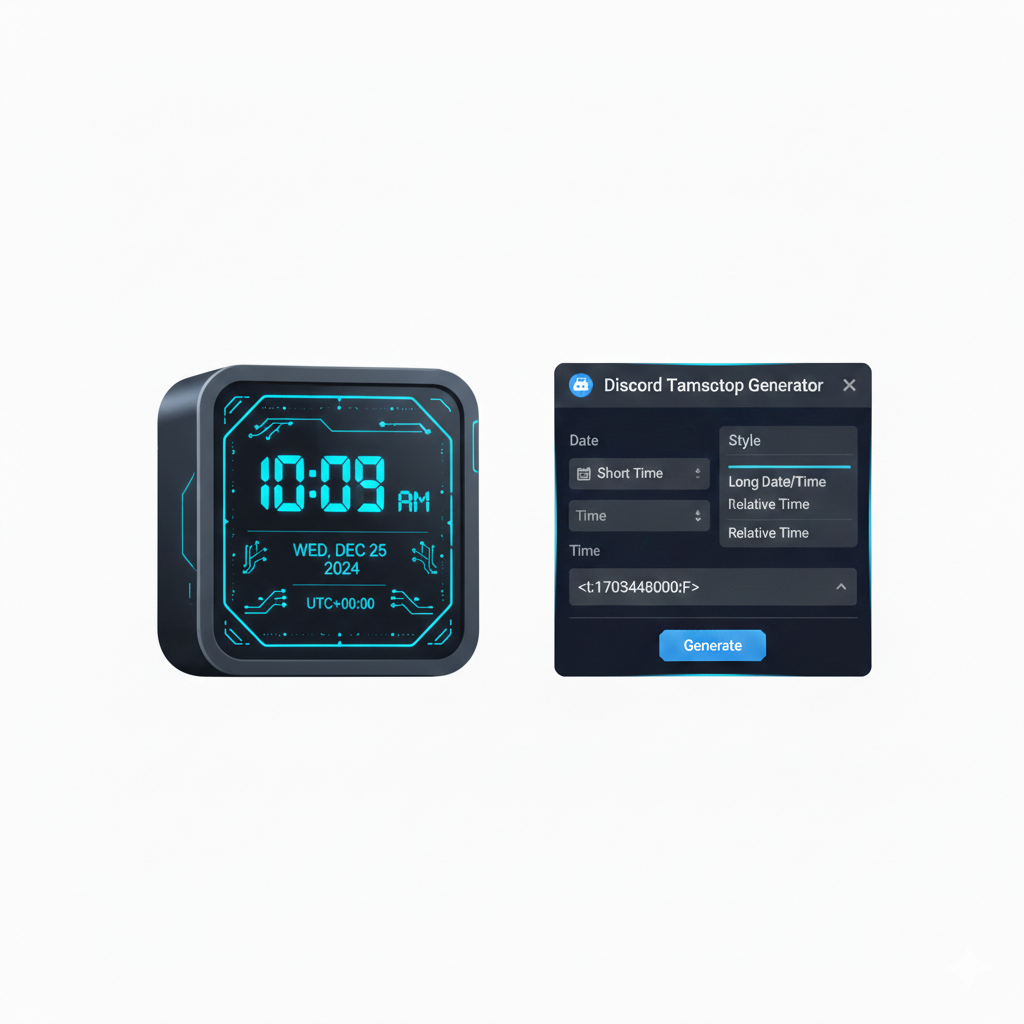
Discord time converter showing live Discord time stamp preview
Discord time stamp live preview <t:1234567890:F>

Simple as 1-2-3

Discord Timestamp Converter

Generate timestamps or convert Discord timestamps back to human-readable dates instantly. No sign up required.

Step-by-Step Guide

How the Discord Timestamp Converter Works

Easily generate Discord timestamps for messages, events, and reminders. Choose the format, preview live, and copy instantly—no sign-up required.

1

Select Date & Time

Pick a date and time manually or use the current time preloaded for immediate conversion.

2

Choose Discord Timestamp Format

Select from full date, short date, time-only, relative, or ISO formats compatible with Discord chats and bots.

3

Preview & Copy

View the timestamp as it will appear in Discord, then copy it with one click for instant use in messages or server announcements.

Why Use It

Benefits & Use Cases of Discord Timestamp Converter

Save time and improve accuracy in Discord messages. Ideal for announcements, events, gaming sessions, and automated bot messages.

Announcements

Schedule and share important server updates or announcements using accurate Discord timestamps.

Events & Reminders

Organize events, meetings, and reminders with precise timing to ensure all members stay informed.

Gaming Sessions

Plan and coordinate multiplayer gaming sessions with timestamps that sync perfectly across time zones.

Bot Messages

Enhance Discord bots by embedding accurate timestamps for automated messages, logs, and alerts.

Community Coordination

Keep large communities organized with consistent and reliable time-based messages.

Time Zone Friendly

Automatically converts timestamps to users' local time zones for seamless communication worldwide.

Stats & Social Proof Section - WordPress

Trusted by thousands

Built for developers & teams

50+
Free tools
10k+
Users per month
100%
Browser-based
Free
No sign-up required

Frequently Asked Questions

Discord Time Converter FAQ

Everything you need to know about creating Discord timestamps, formatting times, and using dynamic time displays in Discord.

What is a Discord timestamp and how does it work?

A Discord timestamp is a special code that displays time dynamically in Discord. When you paste a timestamp code like <t:1234567890:F>, Discord automatically converts it to a readable time that adjusts to each viewer's local timezone.

How do I use this Discord Time Converter?

Select your desired date and time, choose a format style (full, short, relative, etc.), preview how it will look in Discord, then click copy to get the timestamp code. Paste this code directly into any Discord message, announcement, or bot command.

What Discord timestamp formats are supported?

We support all 6 Discord timestamp formats: Full Date (:F), Short Date (:d), Long Date (:D), Short Time (:t), Long Time (:T), and Relative Time (:R) which shows "in 2 hours" or "3 days ago".

What is relative time format in Discord?

The relative format (:R) displays time as "2 minutes ago", "in 5 hours", or "yesterday at 4:30 PM". It updates automatically as time passes, making it perfect for event countdowns and recent activity timestamps.

Why do my Discord timestamps show different times for different users?

This is intentional and beneficial. Discord timestamps automatically convert to each viewer's local timezone. A timestamp you create as "3 PM EST" will display as "12 PM PST" for California users and "8 PM GMT" for London users.

Can I use these timestamps in Discord bots and webhooks?

Yes, these timestamp codes work everywhere in Discord: regular messages, bot messages, webhook embeds, announcements, and scheduled events. Simply include the timestamp code in your message content or embed description.

Is this Discord Time Converter free to use?

Yes, completely free with no limits. Convert unlimited timestamps without registration, ads, or paywalls. Use it for personal servers, gaming communities, or professional Discord management.

Do you store my Discord data or timestamps?

No. All conversion happens client-side in your browser. We never see, store, or transmit your Discord information, selected times, or generated timestamps to any server.

How do I create a countdown timer for a Discord event?

Use the Relative Time format (:R). Select your event date/time, choose "Relative" format, and copy the code. Discord will display it as "in 2 days" and automatically count down as the event approaches.

Can I convert past dates to show "2 days ago" in Discord?

Yes, select any past date and time, then use the Relative format (:R). Discord will display it as "2 days ago", "last week", or "3 months ago" depending on how much time has passed.

Why does the preview look different from the final Discord display?

Our preview simulates Discord's rendering, but your actual Discord client may vary slightly based on your device settings, Discord theme (light/dark), and app version. The underlying timestamp code is always correct.

How do I schedule Discord announcements with specific times?

Create your timestamp with this tool, copy the code, then paste it into your scheduled message or announcement channel. Members will see the time automatically converted to their local timezone when the message posts.

Does this work for international Discord servers with multiple timezones?

Absolutely. This is the primary use case. Instead of saying "3 PM EST", use a timestamp and each member sees it in their local time. Eliminates confusion for global gaming clans, remote teams, and international communities.

Can I use this on mobile devices?

Yes, the tool is fully responsive. Generate timestamps on your phone, copy them, and paste directly into the Discord mobile app. Works on iOS Safari, Android Chrome, and all modern mobile browsers.

What happens if I paste the timestamp code wrong?

If the format is incorrect, Discord will display the raw code instead of converting it. Make sure you copy the complete code including <t: and >. Our tool provides the exact correct format ready to paste.

How far in the future or past can I create timestamps?

Discord timestamps work for any valid Unix timestamp range, roughly from 1970 to 2038. Our tool allows selecting any reasonable date for events, historical references, or far-future planning within practical limits.

Can I create timestamps for recurring Discord events?

You'll need to generate a new timestamp for each occurrence. Discord doesn't support recurring timestamp codes. For weekly events, bookmark this tool and quickly generate fresh timestamps for each session.

Why use this instead of Discord's built-in timestamp features?

Discord has no built-in timestamp generator for messages. You must manually calculate Unix timestamps or use bot commands. Our tool provides instant visual selection, live preview, and one-click copying with zero technical knowledge required.

Do timestamps work in Discord embeds and rich messages?

Yes, timestamp codes render correctly in message content, embed titles, embed descriptions, field values, and footer text. They do not work in embed timestamps (which use a different ISO format) or author names.

Can I share a direct link to a pre-filled timestamp?

Currently, you'll need to generate the timestamp each visit. For frequently used times, bookmark the tool and regenerate quickly. The copy button ensures you get the exact code without typing errors.

Get new tools in your inbox

We add new tools regularly. Get a short update when something useful lands - no spam.

Unsubscribe anytime. We never share your email.

Scroll to Top